Table and export: the database lives in your browser, not in 40 files
Every collection run opens as a table — and so does the whole database. Filter, compare collection sessions, export to the format you work in, or download the files linked in a column.


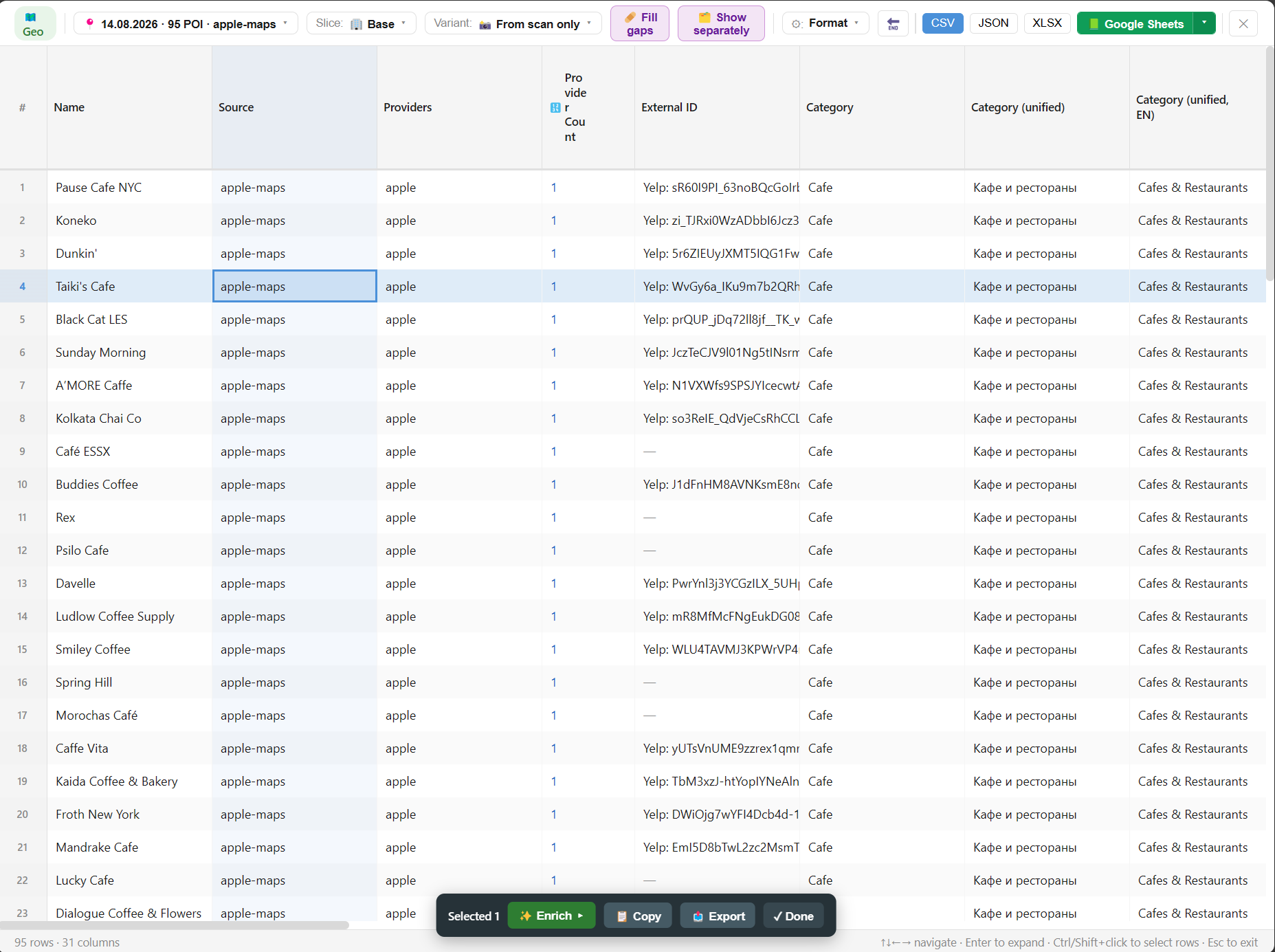
Built-in table view
See the data where you collected it
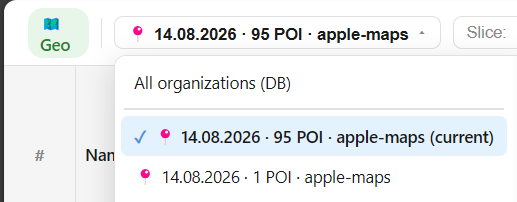
A run or the whole base
one task's table — or the entire database
Slots as columns
enrichment unfolds into columns
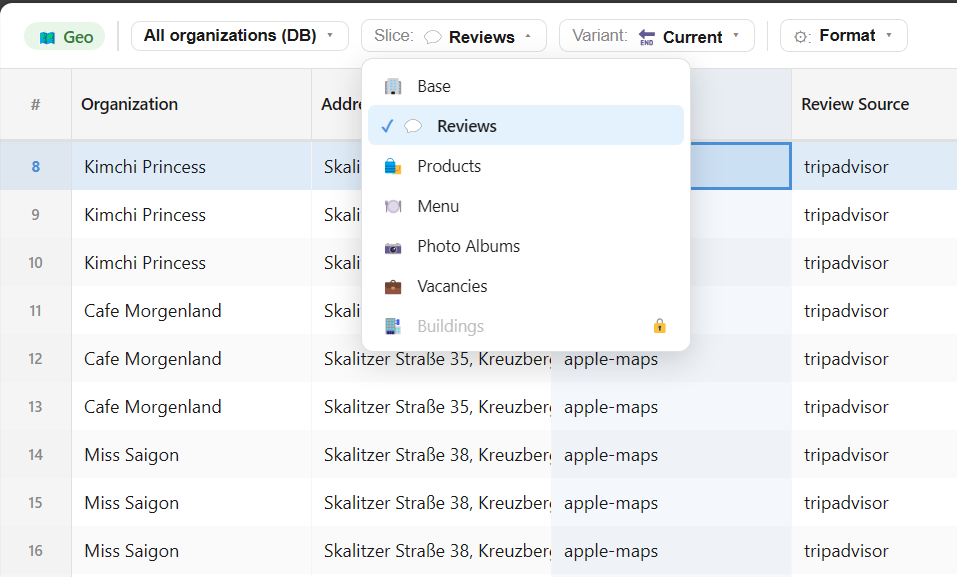
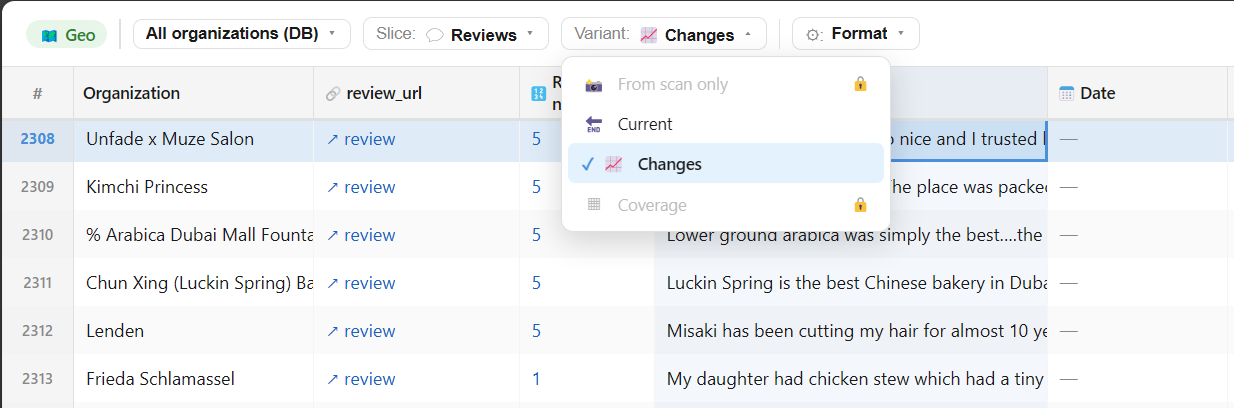
Filters and slices
including dynamics between collection sessions
Enrich from the table
select rows — top up a slot in place
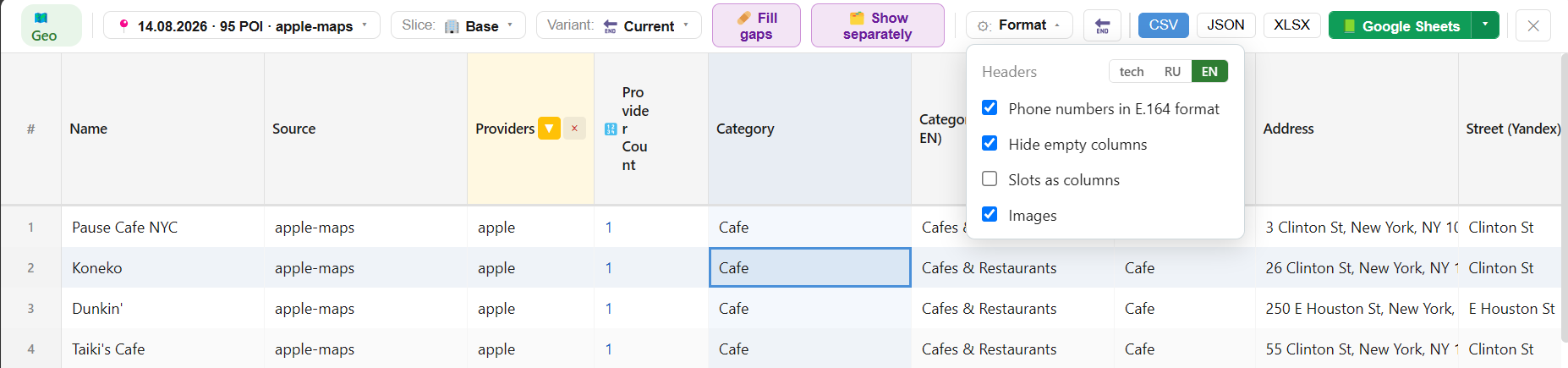
Export to your working format
Your data is not locked in the extension
CSV and XLSX
Classic exports for Excel, BI and CRM — the whole database or a filtered slice.
Images as a ZIP
Card photos in a single archive — with progress and volume counters.
Reviews & photos ›Files from links — named by a mask
A column of URLs becomes a tidy folder of files
✗ Downloading by hand
- Open every link in the table
- Names like "image(37).jpg" — impossible to match to rows
- Interrupted halfway — start over
- Files mixed up: photos, documents, the rest
→
✓ "Download files from this column"
- Name template from tags: index, name, domain, date, a text field of the row
- Into a folder or a single ZIP archive
- Already-downloaded files skipped, errors retried in one click
- Type filters: images, documents, video, audio, archives
From collection to a finished export — no third-party tools
Collect, review, filter and export — inside one extension.